Mixing & Mastering Tip #254 ·
How to pitch a track to labels: one private link per label

Ruslan Slatin
Mastering engineer at slatin.pro, Madrid
The frustration: the label said no, the link had zero plays
A label once replied “sorry, this is not for us” to a track on a link with zero plays.
I know it was zero because back when I was pitching, every A&R and label got their own private SoundCloud link. That way I could see who actually played it, and they couldn’t see how many plays the song had.
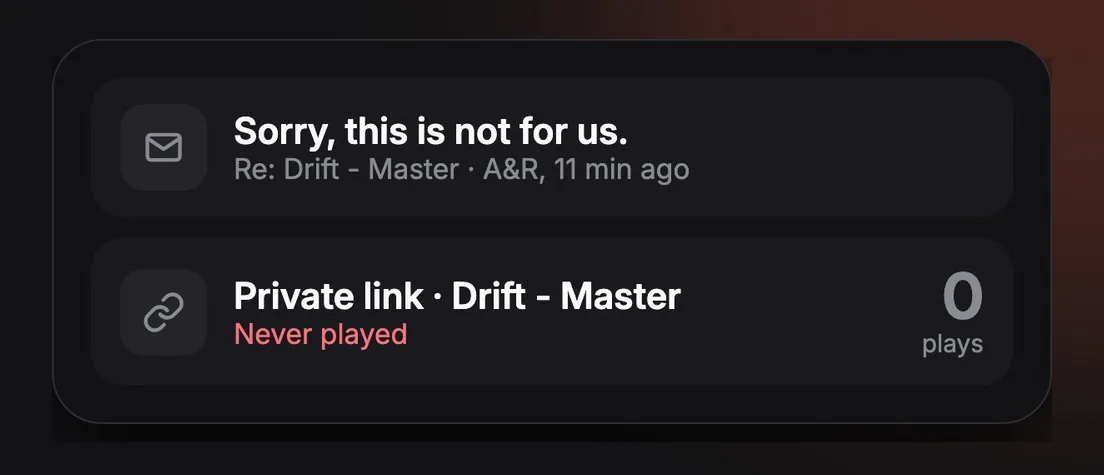
On top of that, I was paying for Mailtrack, one more subscription, just to see whether they had even opened the email. And I still couldn’t tell how many times they listened, which is what really matters.
Then there’s the sound. You spend weeks on a master and the A&R hears the CRAPPIEST VERSION of it, squashed by SoundCloud or Dropbox streaming.
Ten labels meant ten links to make and ten inboxes to keep wondering about. I hated all of it.
One track, one link per label
Whatever tool you use, these are the rules I pitch by:
- One private link per label. Never a public link, never the same link for everyone. That way you know exactly who did what.
- Count the replays, not the opens. An opened email means nothing. Someone who keeps coming back to a track is a lot more interested than someone who played it once. That’s who you follow up with first.
- Let them hear the real master. Lossless playback, and a download button so they can play it in their meeting.
- Close the other links the day you sign. Once a label takes the track, nobody else should still have it.
- Watermark it if it matters. If the track leaks, you want to know whose link it came from.
How I do it now: the same method in StudiOS
So my friend Unai and I ended up building our own software to fix this. It’s called StudiOS.
I upload the track once and tag a separate link for each label. Through the MCP connection, Claude sends all the emails from my own account. ChatGPT works too, or you can just do it yourself.
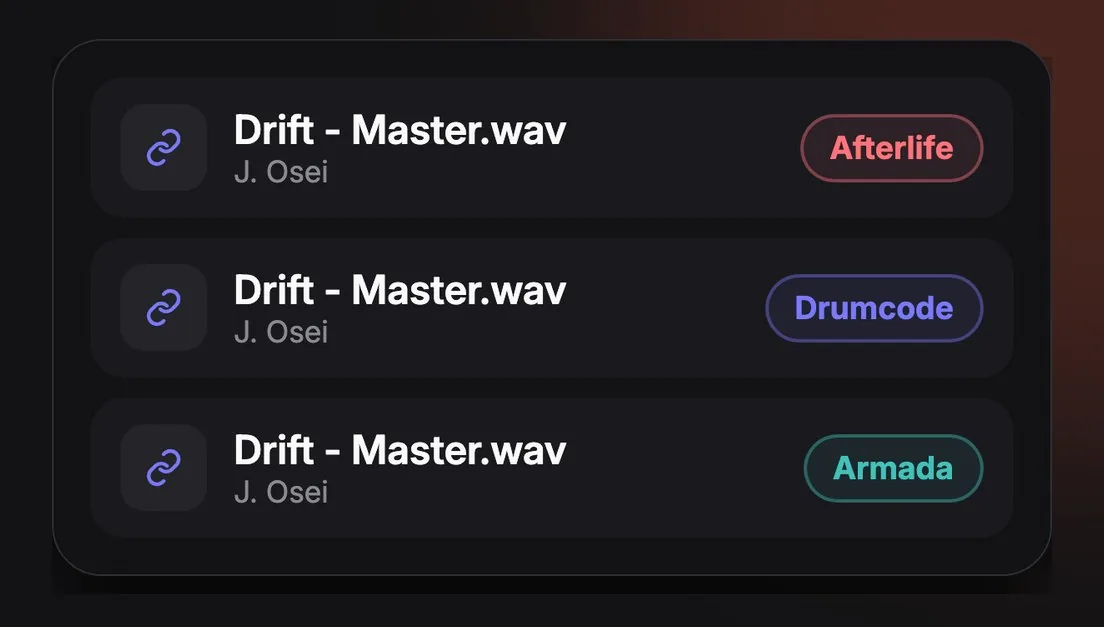
Every link shows whether it was played, how many times and when. The A&R listens in hi-fi, and can download it if they want to play it in a meeting.
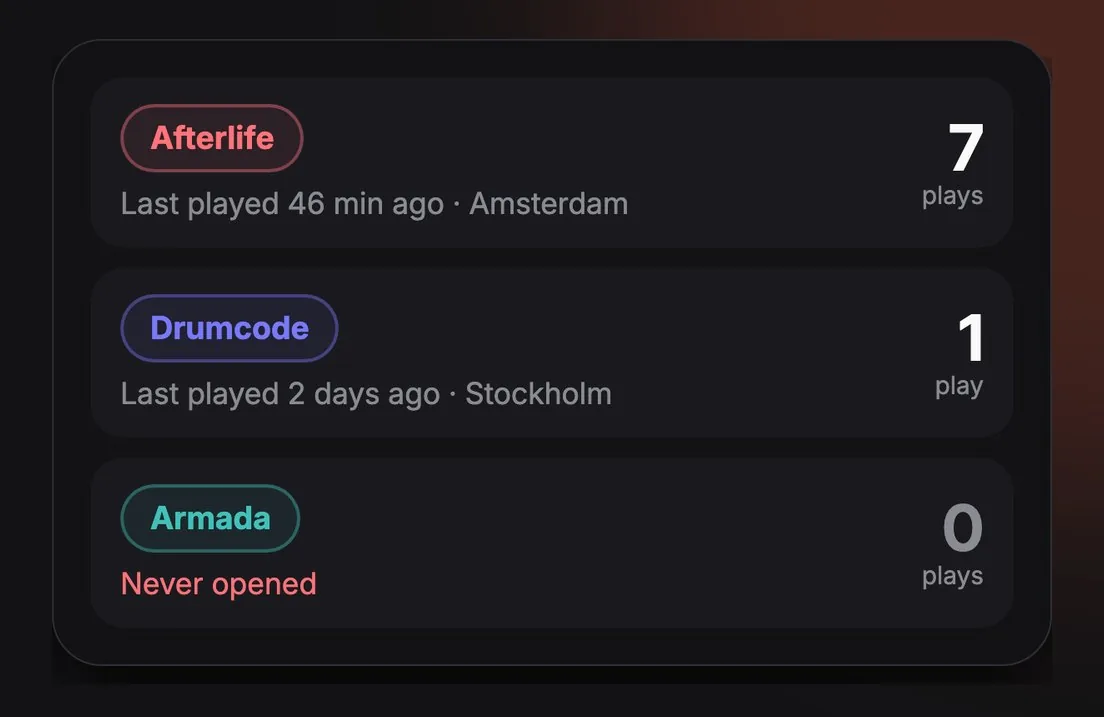
And the day a label signs it, the other links get revoked. If you want extra protection, you can add an invisible forensic watermark to each link, so if the track leaks, you know exactly whose link it came from.
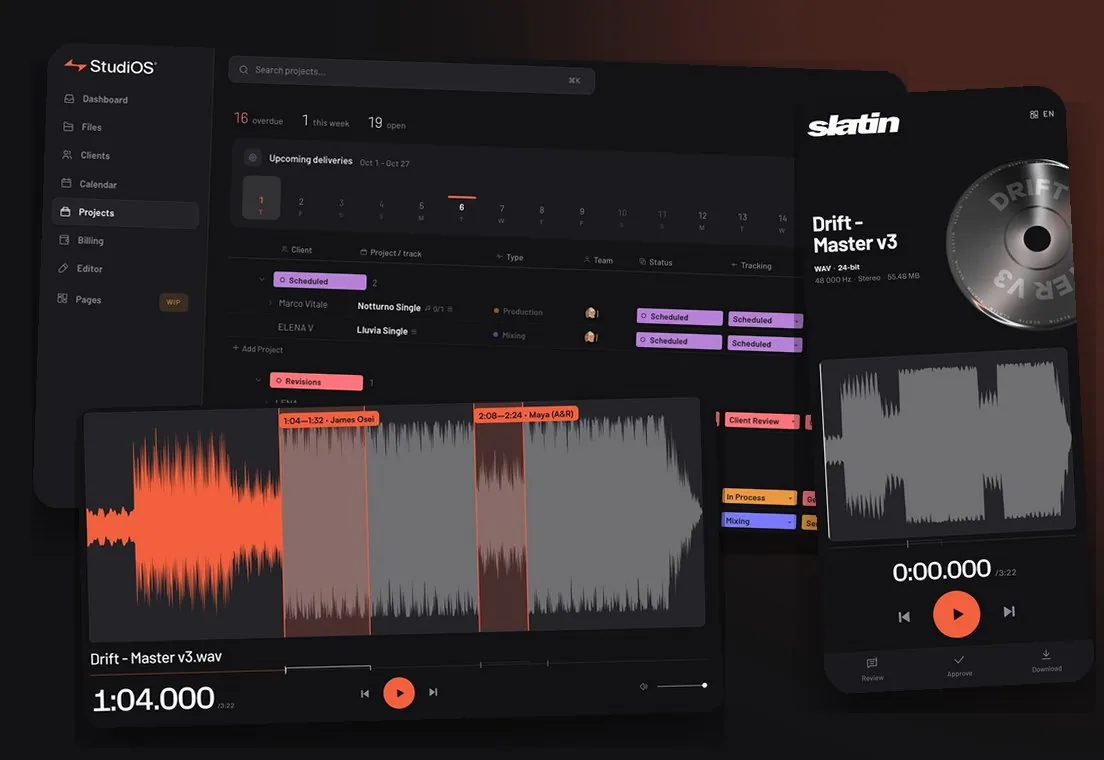
Pitching is only a small part of what I use it for. StudiOS works on top of your own Dropbox or Google Drive, so your files stay right where they are: every version of every track, feedback on the exact second, lossless playback that sounds like the master you actually made, and automatic notifications.
Want this on your own track?
I master more than 1,000 songs a year for artists and labels, from stems or a stereo mix. Send me your track and I'll tell you what it needs.
A new tip like this every week, free: join the newsletter.
Work with me
Whenever you're ready, here's how I can help.
 MentoringMix & Master AcceleratorWeekly video reviews of your tracks, live group calls, and the business side of a studio career.By applicationApply now
  Preset packFUSION150 hand-crafted Valhalla VintageVerb presets. Three clicks to the sound you already hear in your head.20€Get the pack
  CourseAdvanced MicrodynamicsFour hours on the micro-level movement that makes a mix feel alive. Joined by 220+ students.149€See the course
  CourseLow End MasteryKick and bass chemistry, so your low end lands on club rigs and earbuds alike. Joined by 500+ students.159€See the course
  SoftwareStudiOSThe software I run my own studio on: deliveries, client feedback, versions and invoices in one place.14 days freeTry StudiOS