Mixing & Mastering Tip #168 ·
Why Soothe2 high resolution and 4x oversampling can ruin your export

Ruslan Slatin
Mastering engineer at slatin.pro, Madrid
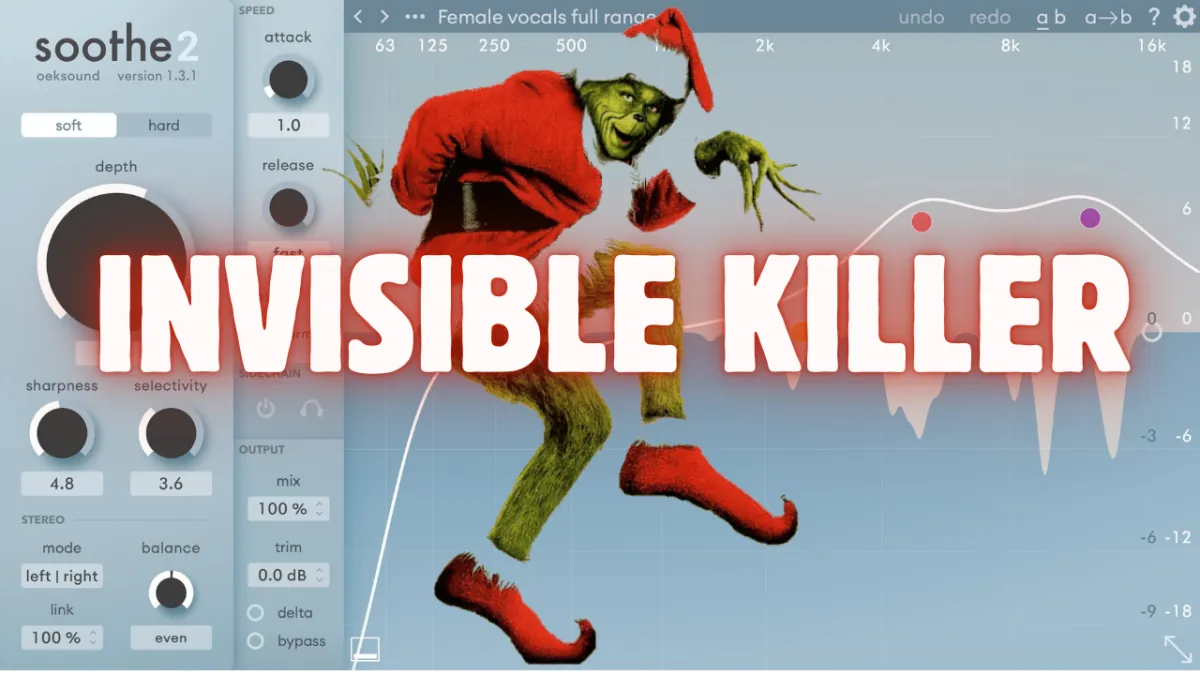
Several months ago I switched my entire workflow to Reaper, and I realized that my exports didn’t sound the same as the mixes and masters I was hearing in my DAW.
It absolutely didn’t make any sense to me, so I started to dig deeper.
After several exports of my mixes and listening for subtle differences, I finally pinpointed the issue: Soothe’s high resolution mode and oversampling seemed to do more harm than good.
The mistake
I remembered that after installing Soothe2 on my new computer, I had adjusted the offline settings to High Resolution and 4x oversampling. What a mistake.
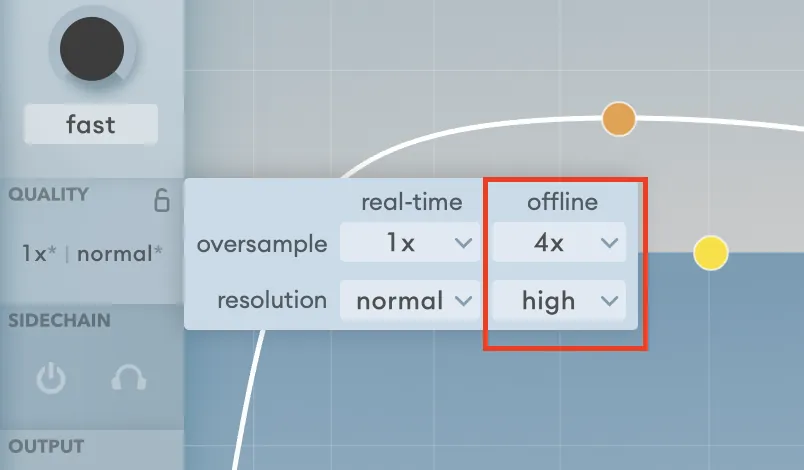
I tried those settings in real-time mode on a master I was working on, and suddenly the track became extremely dark (due to the oversampling). And it completely lost all its soul because of the high resolution.
The settings I use now
From now on, I recommend using Soothe at 1x with normal resolution in both real-time and offline mode. I found that to be the most natural-sounding setting to my ear.
If you need to oversample or increase the resolution, that’s completely fine, but don’t do it blindly. Test those settings in real time first, and then decide if they work for the offline render.
Larger numbers and higher resolutions do not necessarily mean it will sound better.
Want this on your own track?
I master more than 1,000 songs a year for artists and labels, from stems or a stereo mix. Send me your track and I'll tell you what it needs.
A new tip like this every week, free: join the newsletter.
Work with me
Whenever you're ready, here's how I can help.
 MentoringMix & Master AcceleratorWeekly video reviews of your tracks, live group calls, and the business side of a studio career.By applicationApply now
  Preset packFUSION150 hand-crafted Valhalla VintageVerb presets. Three clicks to the sound you already hear in your head.20€Get the pack
  CourseAdvanced MicrodynamicsFour hours on the micro-level movement that makes a mix feel alive. Joined by 220+ students.149€See the course
  CourseLow End MasteryKick and bass chemistry, so your low end lands on club rigs and earbuds alike. Joined by 500+ students.159€See the course
  SoftwareStudiOSThe software I run my own studio on: deliveries, client feedback, versions and invoices in one place.14 days freeTry StudiOS