Mixing & Mastering Tip #175 ·
Two Ableton workflow tools: Live Plugin Closer and Notes-Ki

Ruslan Slatin
Mastering engineer at slatin.pro, Madrid
Live Plugin Closer for Mac
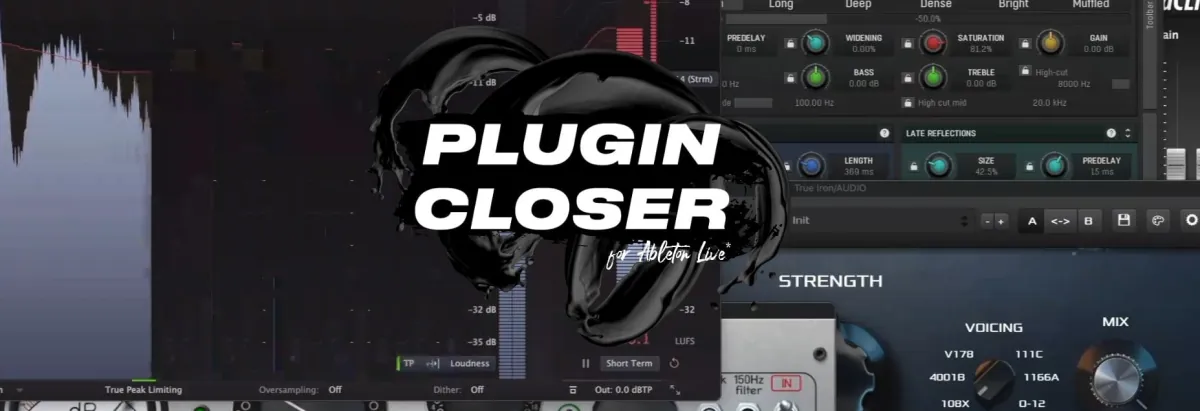
Live Plugin Closer is an app I made to optimize the Ableton workflow, and it has more than 1,500 daily users. The update lets you close individual plugins, keep your analyzers open on external screens and much more.
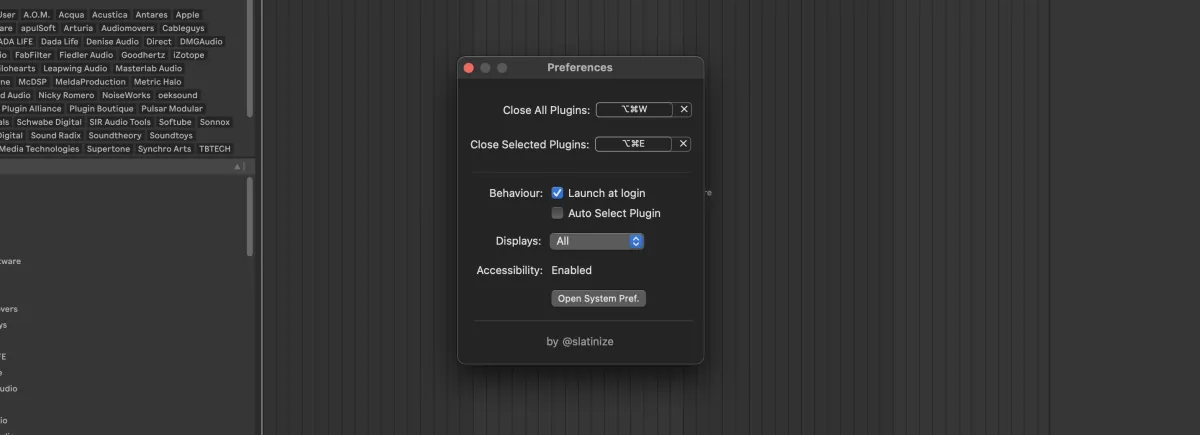
Here is the change log:
Close plugin windows on specific screens
You can now close plugin windows on:
- All displays
- Main display only
- External display only
Close selected plugin
A new keybind closes the currently selected plugin window. The default keybind is Cmd + Opt + E (customizable in settings).
Auto-select plugin option
- Automatically selects and closes the most recent plugin window.
- Gives a smoother experience by reducing manual selection.
If you’re updating, follow the instructions and properly uninstall the previous version before installing the new one. It’s Mac only for now.
Notes in Ableton
Imagine jotting down reminders, to-dos, or even adding screenshots of your hardware setups (for recall) right where you need them. Now this is possible.
This dirt cheap Max for Live plugin lets you embed text and image notes directly into your track’s effects chain. It’s called Notes-Ki.
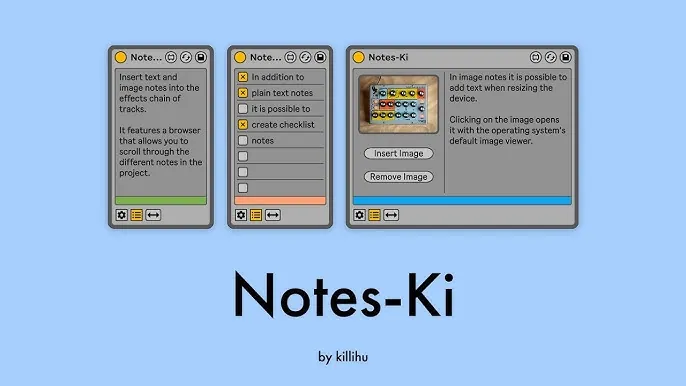
It also has a floating browser window that displays all your notes across the project, showing the track names and note types.
If you’re on Live 12, there’s an added perk: images can be automatically saved in the project folder. This means when you share your project, all your visual notes stay intact, which makes collaboration seamless.
For 8 dollars, I thought I should share it with you immediately.
Want this on your own track?
I master more than 1,000 songs a year for artists and labels, from stems or a stereo mix. Send me your track and I'll tell you what it needs.
A new tip like this every week, free: join the newsletter.
Work with me
Whenever you're ready, here's how I can help.
 MentoringMix & Master AcceleratorWeekly video reviews of your tracks, live group calls, and the business side of a studio career.By applicationApply now
  Preset packFUSION150 hand-crafted Valhalla VintageVerb presets. Three clicks to the sound you already hear in your head.20€Get the pack
  CourseAdvanced MicrodynamicsFour hours on the micro-level movement that makes a mix feel alive. Joined by 220+ students.149€See the course
  CourseLow End MasteryKick and bass chemistry, so your low end lands on club rigs and earbuds alike. Joined by 500+ students.159€See the course
  SoftwareStudiOSThe software I run my own studio on: deliveries, client feedback, versions and invoices in one place.14 days freeTry StudiOS